A WordPress plugin by CraftRoq
CraftRoq Relocate DB
Safely search and replace URLs and text across your WordPress database, with dry runs, serialized data support and a full history.
- Version
- 1.0.0
- WordPress
- 6.5 or newer
- PHP
- 8.1 or newer
On WordPress.orgTested with WordPress 7.1.5·Updated October 7, 2026
Search and replace, done carefully
Change a URL everywhere it appears, without breaking the site.
CraftRoq Relocate DB changes text across your database: moving a site from staging to production, switching to HTTPS, changing a domain, or renaming something everywhere it appears. It is built for doing that on real sites without breaking them.
Findhttps://staging.example.com
Replace withhttps://example.com
The preview only reads the database. You confirm before anything is written.
How it works
Preview first, always
Every replacement starts as a dry run. Nothing is written until you have seen exactly what would change.
- 01
Say what to replace
Enter what to find and what to put in its place. Up to 20 pairs can go into one job and are applied together in a single pass. Options cover case-insensitive and whole-word matching, and matching the
http://and protocol-relative versions of a URL. - 02
Choose where to look
By default, every table with your WordPress prefix. Add other tables in the same database, or switch off a table’s text columns one by one. Post GUIDs are left alone unless you ask for them to be changed.
- 03
Watch the dry run
The dry run reads your tables in small batches and writes nothing. A live view shows the current table, rows scanned, changes found and the time remaining.
- 04
Read the preview
See rows and replacements per table and column, the values it would leave alone and why, and before and after examples.
- 05
Confirm, then apply
Only a completed dry run can be applied, and applying it repeats exactly what was previewed. Keep the file of original values: it is how a replacement is put back.
- 06
Find it again in History
Every dry run and replacement is kept in a searchable, sortable history with a log. Old jobs are cleaned up automatically, or deleted by hand.
Serialized data and JSON
The part a plain replace gets wrong
Plugins and themes store settings as serialized PHP, where every piece of text is stored with its length. A plain text replacement breaks those values whenever the length changes.
s:44:"https://staging.example.com/uploads/logo.png";The value, and its length: 44 characters.
s:44:"https://example.com/uploads/logo.png";Still says 44, but the text is now 36. PHP cannot read the value, and the setting is lost.
s:44:"https://example.com/uploads/logo.png";The length is recalculated. Nothing else is touched.
- Token by token. Serialized data is rewritten without unserializing it, so no plugin code runs, and objects, private properties, references and numbers stay exactly as they were.
- JSON too. URLs inside JSON, as page builders store them with escaped slashes (
https:\/\/staging.example.com), are found and replaced. - Left alone when in doubt. A value is left untouched, and reported, when changing it could corrupt it: serialized data that is already broken, a custom serialized format only its own class understands, or JSON that would become invalid.
Made for large databases
No timeouts, however big the tables are
Tables are processed in small batches by primary key, a few seconds per request, so there are no timeouts or memory limits to hit.
- Progress is saved after every batch.
- Close the page or lose the connection, and the job can be continued from the last completed batch, from the Dashboard or from History.
- Each batch is one database transaction: saved completely or not at all, so an interruption never leaves a batch half applied or applies it twice.
wp_postmetaRunning
Batch of 16Progress saved after every batch
Import / Export
Move the whole database, with its address changed on the way
Export on one site and import on the other. The site address can be changed on the way out or on the way in, with serialized data and JSON kept valid.
- Export the database as a compressed
.sql.gzfile. Your database here is not changed. - Import
.sqlor.sql.gzfiles in resumable steps. - The site keeps working during an import. Imported tables are built next to the ones in use and put in place together at the end.
- A failed or cancelled import changes nothing: the tables your site uses are left as they were. The database needs room for both copies until the import finishes.
- Settings too. Export and import the plugin’s own settings as a JSON file.
Safety measures
Six things it does so you do not have to remember them
- 01
One transaction per batch
A batch is saved completely or not at all. This needs InnoDB tables, which WordPress uses by default; the confirmation step warns about any that are not.
- 02
The original values, in a file
The original value of everything a replacement changes is saved to a downloadable file of SQL statements. Importing it puts those values back.
- 03
The site address goes last
siteurlandhomeare changed at the end, so you are not logged out part-way through. - 04
Unsafe tables are skipped
Tables without a primary key or a suitable unique key are skipped, because their rows cannot be updated one at a time safely.
- 05
GUIDs are left alone
Post GUIDs stay as they are unless you ask for them to be changed.
- 06
Administrators only
Only administrators who can post unfiltered HTML can use it. The plugin’s own tables are never searched.
Do you still need a backup? Yes. Take a full database backup before replacing anything. The file of original values covers what a replacement changed, but it is not a substitute for a backup.
WP-CLI
The same jobs, from the command line
Jobs started with WP-CLI are the same jobs the admin screen runs: they appear in its History, can be resumed from either place, and save the same file of original values.
--dry-run--tables--all-tables--case-insensitive--whole-words--url-variants--include-guids--skip-columns--format--yes
See wp help crq search-replace for every option.
# See what would change. Nothing is written.
wp crq search-replace https://staging.example.com https://example.com --dry-run
# Replace across all WordPress tables, after confirming.
wp crq search-replace https://staging.example.com https://example.com
# Two pairs at once.
wp crq search-replace https://staging.example.com https://example.com /home/staging /home/live
# Replace in two tables without asking.
wp crq search-replace "Old Name" "New Name" --tables=wp_posts,wp_postmeta --yes
# Continue a job that stopped, by its number in History.
wp crq resume 42Questions
Before you run it on a real site
Stuck on a migration? See troubleshooting or ask for help.
Can I undo a replacement?
There is no undo button. Each replacement can save the original value of everything it changed to a downloadable .sql.gz file, and importing that file (for example with phpMyAdmin, or gunzip -c file.sql.gz | mysql your_database) puts those values back. It overwrites any edits made to those values since, so use it soon after the replacement.
Does it change serialized data safely?
Yes. Serialized values are rewritten with their lengths recalculated, and checked to still be readable afterwards. Values that could not be changed safely are left as they were and listed in the results.
What happens if I close the page during a replacement?
The batch in progress either completes or is rolled back (on InnoDB tables, which WordPress uses by default). Open the job from the Dashboard or History and continue it: it picks up from the last completed batch.
Which tables does it search?
The tables you tick. By default those are the tables with your WordPress prefix. Other tables in the same database can be added, and each table’s text columns can be switched off one by one. The plugin’s own tables are never searched.
What happens if an import fails or I close the page?
Nothing in the tables your site uses has changed. The tables in the file are built under temporary names and only put in place, all together, once the whole file has run. A failed import can be resumed or discarded, and one whose page was closed is offered again on the Import screen.
Does it support Multisite?
No. Multisite is not supported: on a Multisite network the plugin does not run, and says so on the Plugins screen. Multisite support is planned for CraftRoq Relocate DB Pro, which is in development.
I have version 0.1.0. How do I move to 1.0.0?
Version 1.0.0 installs as its own plugin, in a folder named craftroq-relocate-db; 0.1.0 was in cr-relocate-db and is not replaced by it. Install 1.0.0, then deactivate and delete the old “CR Relocate DB” on the Plugins screen. Do not run both at once.
Does it send any data anywhere?
No. Everything happens in your own database. Nothing is sent to CraftRoq or anyone else.
Preview your next migration before it touches anything.
Free and GPL licensed. WordPress 6.5 or newer, PHP 8.1 or newer.
More plugins
-
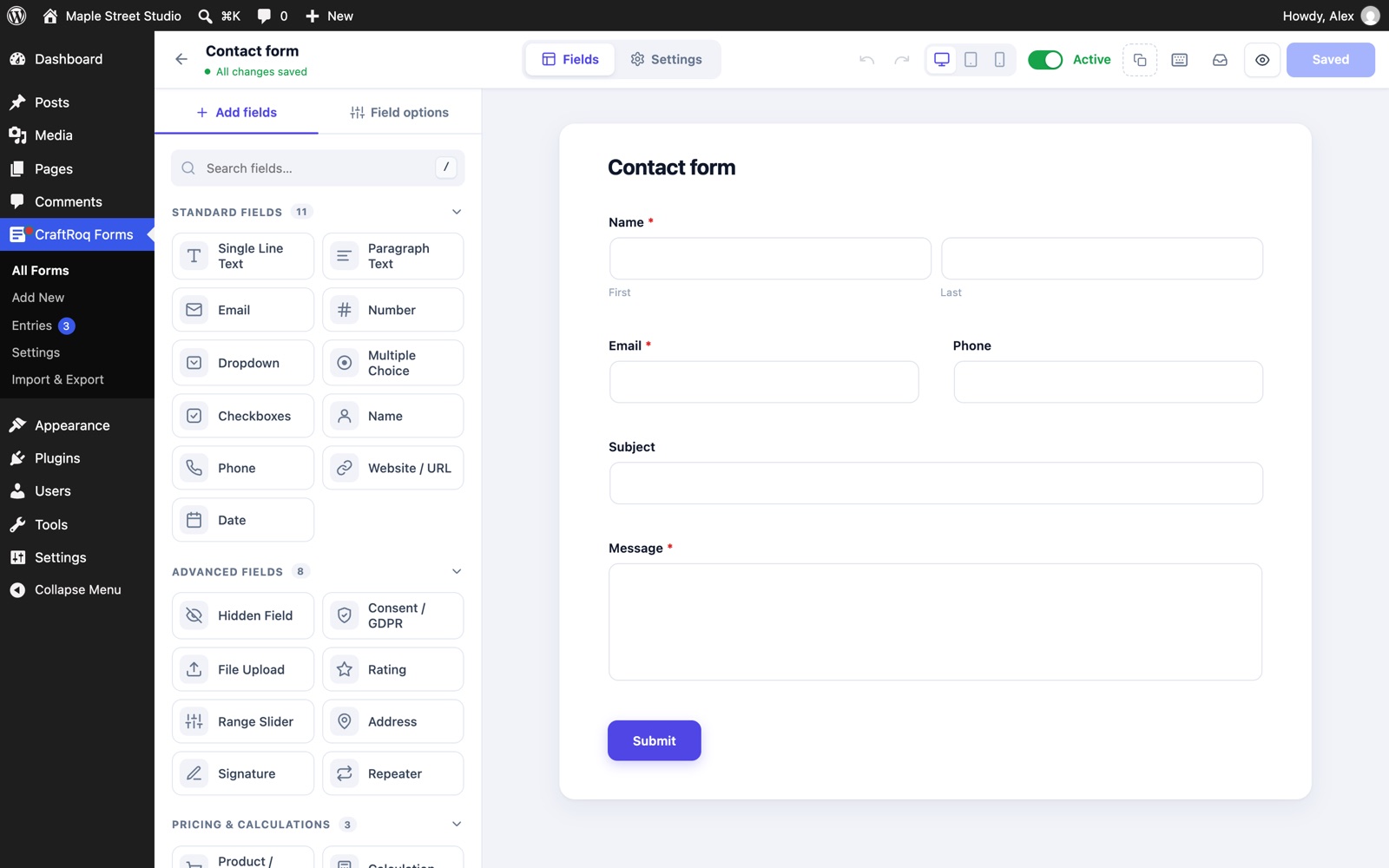
CraftRoq Forms
Free
A drag and drop form builder for contact forms, surveys and order forms, with 25 free field types, calculations, stored entries, built-in SMTP and spam protection.
-
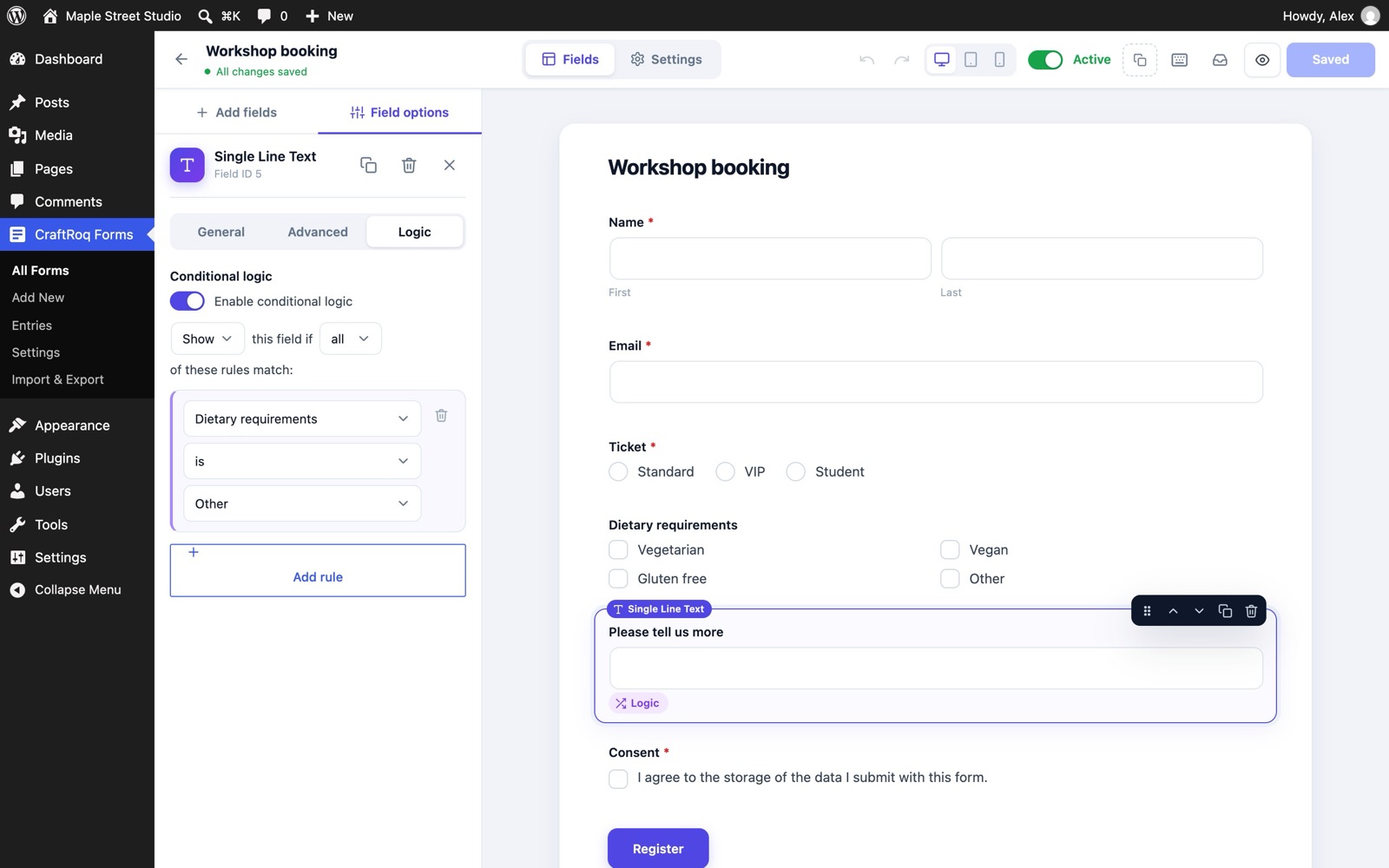
CraftRoq Forms Pro
Pro
Online payments, conditional logic and integrations for CraftRoq Forms, with scheduling, a form styler, webhooks, Mailchimp, HubSpot, ActiveCampaign and Google Sheets.
 From ₹3,499/year See pricing This product has multiple variants. The options may be chosen on the product page
- CraftRoq Relocate DB Pro Coming soon Multisite network support for CraftRoq Relocate DB. In development.
-
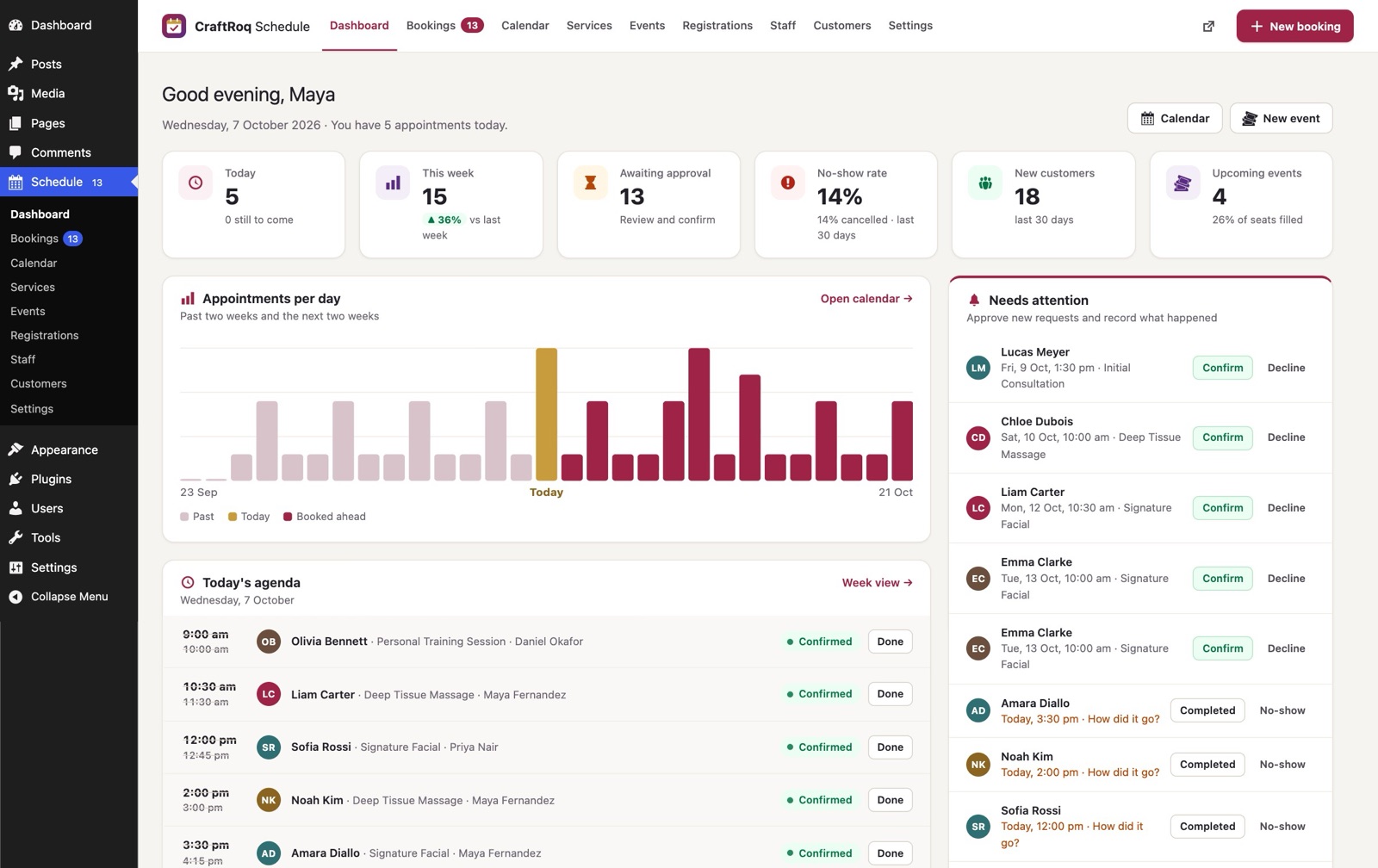
CraftRoq Schedule
Free
Bookings and events for WordPress: appointments, classes and workshops, with staff hours, a calendar, email reminders and event registration.